


Bluetooth is one of the most widely used wireless technologies in the world. It’s also a popular method of wirelessly transferring data between two devices like your phone and headphones, media player and speaker, even your iPad and keyboard. According to the market data that there are more than 3 billion Bluetooth products shipped this year alone and that number will likely double within the next years.
However, a Bluetooth headset can be invaluable sometimes, especially if you are someone who likes to play around with several connected gadgets. It’s frustrating and annoyed when a Bluetooth headset won’t connect reliably to your phone.
Here I marked out several reasons and solutions on how to pair Bluetooth headset, just check it out!
Why I can’t pair my Bluetooth headset with my devices?
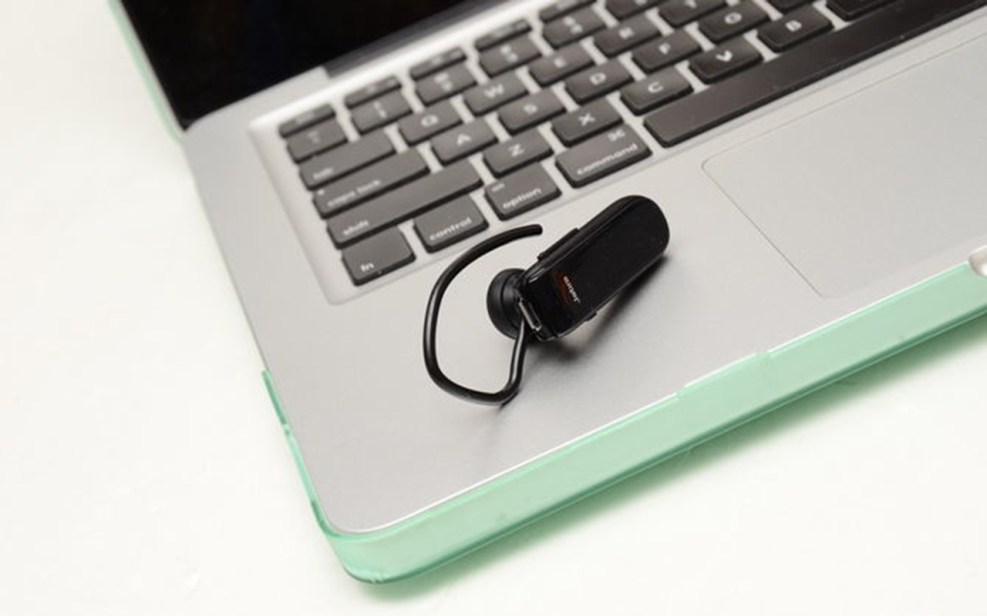
Bluetooth depends on both hardware and software to work properly. If your devices can’t speak a common Bluetooth language, they would be failing to connect.
1: Check the Bluetooth backwards whether compatible to your devices.
2: Be cautions of ‘Bluetooth Smart’, as its works different and won’t recognize older devices than Classic Bluetooth (For Example: Old Sony Ericsson Phone Sporting Bluetooth 3.0).
3: Some of the personal health gadgets like fitness brands or heart-rate monitors, they only pair with your smartphone or tablet, so do not connect them with your other devices like your mouse or keyboard.
How to pair Bluetooth headset with your device?
1: Charge Bluetooth headset
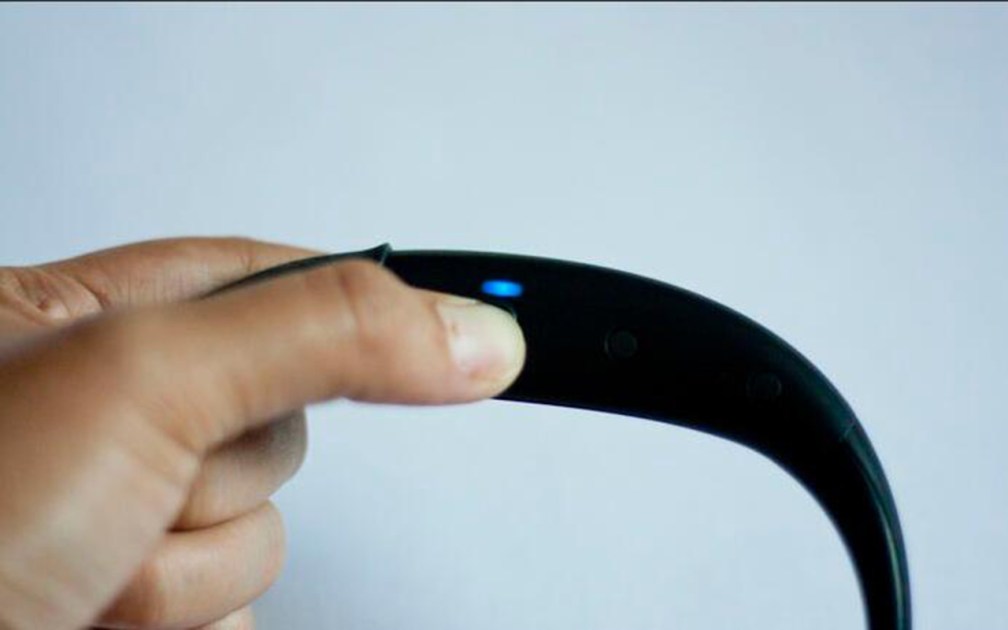
Some of the headsets do not have sophisticated battery lever sensors. However, as the battery level runs low, start with a full charge on both devices is very necessary. To ensure your pairing process won’t be interrupted by a low battery.
2: Put your headset and device in ‘Pairing Mode’

Firstly, go into your phone’s settings and tap on Bluetooth, then depress the button and put your Bluetooth headset in live status.
3: Be sure of two devices are close enough.

For successful connect, the devices need to be close to your Bluetooth headset. Keep the devices within 5 feet of one another would be perfect.
4: Provide a PIN code

Typically, when your phone finds the headset, it may ask for a PIN, just enter the code when needed, and then click ‘Pair’
Done! We hope this guide has helped you with your Bluetooth headset pairing. If you have any questions or new ideas, just comment below!
Let’s enjoy the music, Cheers!


I have the wireless earbuds and threw away the manual. I cannot get them into pairing mode. Any advice?
赞赞
Could you please provide the manufacturer and type? If they are EasyAcc products, the manual can be downloaded on the official website page https://www.easyacc.com/downloads
赞赞