

Since Apple launched the iPhone 15 series in September, the series seems to have been well-received by the public. The upgrades to the standard iPhone 15 are considerable, and the iPhone 15 Pro Max now has one of the best camera systems on a smartphone today.
But iPhone users have reported some issues with the iPhone 15 series, such as overheating and durability issues, which has left people frustrated. Let’s sort out the more typical problems and corresponding solutions below.
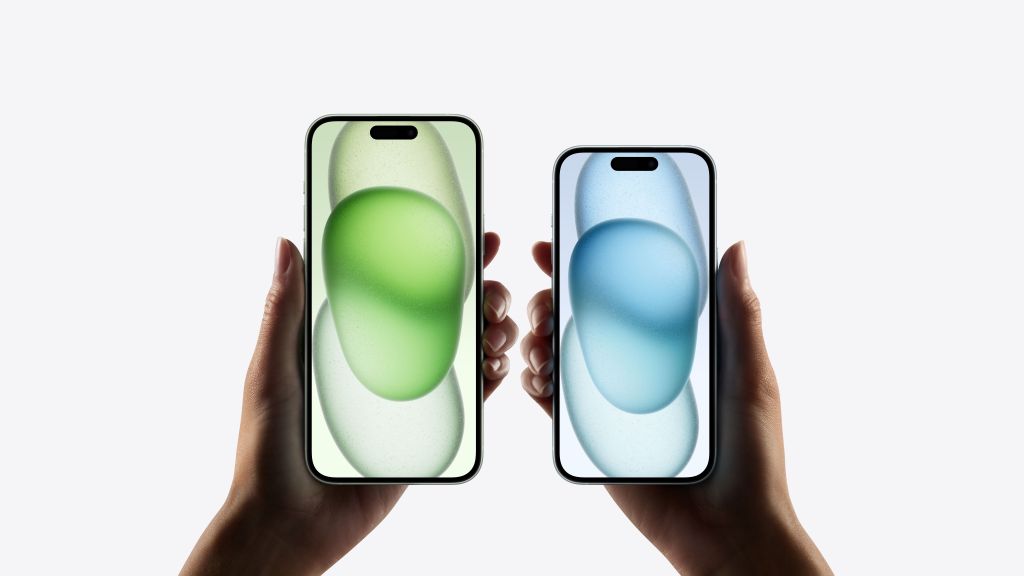
1 iPhone 15 series overheating problems and solutions
One of the biggest issues with the iPhone 15 launch was overheating. However, the issue was first reported around the time of the phone’s launch, when many people were receiving their new iPhones and setting them up – and that’s when the overheating issue occurred.
When you are using your iPhone 15 to set up or transfer content from the phone (especially if it involves transferring a lot of data), it is common for the new phone to become warmer than usual. Once the transfer is complete it remains hot for the next few days as the phone indexes everything.
However, solving this problem is very simple. Restarting is the default solution for many technical problems, and it usually works. Another quick fix is to enable auto-brightness so that it’s not always at maximum brightness but instead adjusts based on ambient light. Some other options include turning off Bluetooth (unless needed), exiting apps that use location services, turning off Wi-Fi and AirDrop, or turning on Airplane or Low Power Mode.
If you use a protective case on your phone, temporarily removing it may help dissipate heat.
iPhone 15 can also get very hot when used in direct sunlight. If you often go out in bright sunshine, try to keep your iPhone out of direct sunlight.
Finally, make sure you’re running the latest version of iOS. Apple is aware of the overheating issue and has released a software update for iOS 17.0.3 that “addresses an issue that may cause iPhone to run warmer than expected.”
If all this still doesn’t fix the overheating issue, give your phone a short break and try.
2 Durability issues of iPhone 15 titanium material
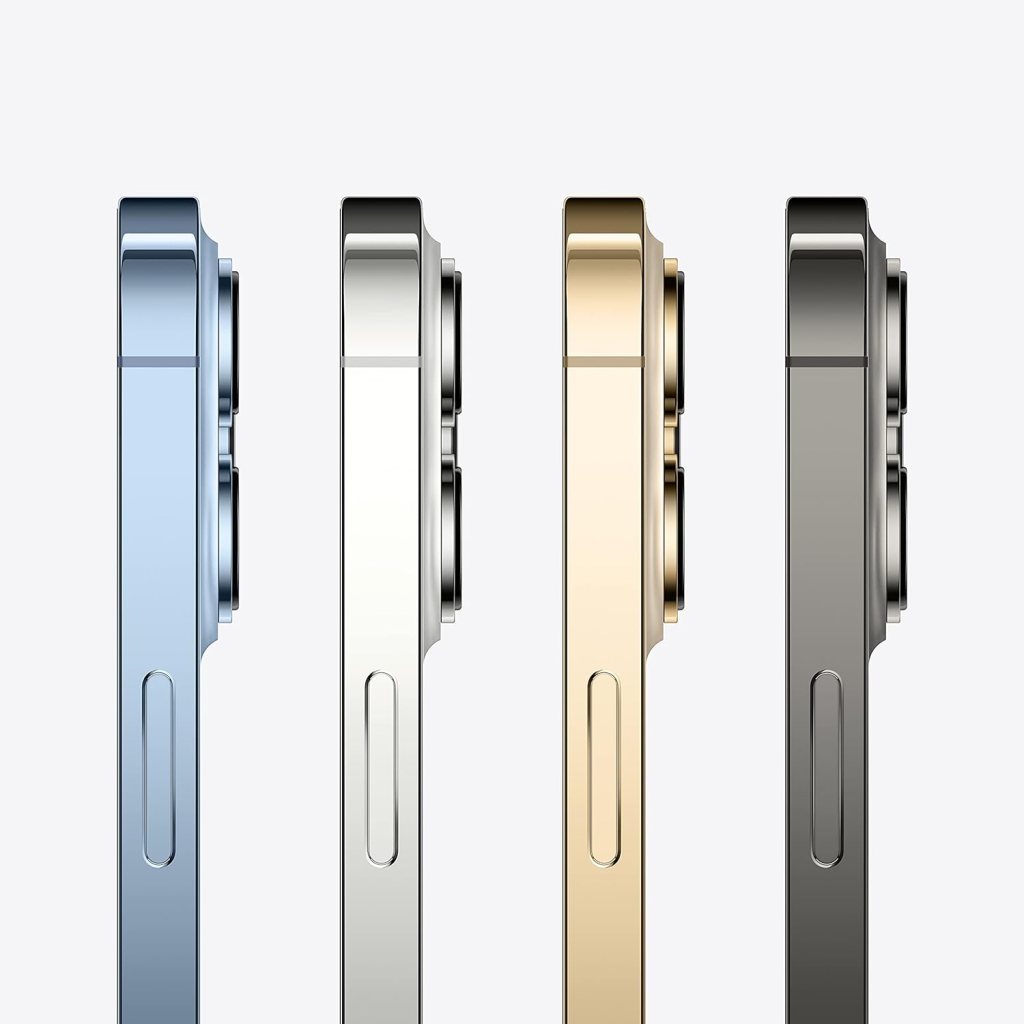
For the iPhone 15 Pro and iPhone 15 Pro Max, Apple has changed the material used for the frame, from stainless steel to brushed titanium. This change, along with a more rounded edge design, means the iPhone 15 Pro is lighter and more ergonomic.
However, it turns out that the titanium design is actually less durable than its predecessor, stainless steel, as evidenced by various drop tests.
Since titanium is harder, any impact needs to be dispersed to other areas of the device, which in this case means spider web-like cracks in the front and rear glass.
Another issue people have noticed with titanium frames is the “discoloration” that occurs when your fingers touch the frame. However, this can be eliminated with a simple wipe, so it’s not as serious a problem as many people make it out to be.
However, if you’re concerned about the durability of the titanium frame, your best solution is to wear a protective case for your iPhone 15 Pro or iPhone 15 Pro Max.
Another option is to get AppleCare+, which covers unlimited incidents of accidental damage and up to two incidents of theft or loss every 12 months, depending on what plan you choose.

3 iPhone 15 Pro Max screen burn problem
This issue has been occurring, mostly for users of the most expensive iPhone 15 Pro Max model. The problem is OLED burn-in, which isn’t just an iPhone-specific issue as it can happen to any device with an OLED screen. What is OLED screen burn-in? This is basically a ghosting effect, where content at a certain location on the screen remains where it was when you swipe the screen. For iPhone users, the screen burn problem manifests itself as the residue of keyboards, wallpaper images, app icons, videos, and other static visuals.
But what causes this? The main reason for this is leaving a fixed image on the screen for a long time, and the situation will only get worse if the display is brighter. So unless you’re left with a static image on your iPhone 15 Pro Max screen for hours on end, this should rarely happen.
However, sometimes it’s just a defect in the display or a quality control issue. If you’re experiencing screen burn-in on your iPhone 15 display, the only real solution is to take it to an Apple Store for repair or replacement.
To make sure this doesn’t happen to you, don’t leave the image on the screen for too long, especially if you’re outdoors and the brightness can be cranked up to its maximum setting.
Recommendation:
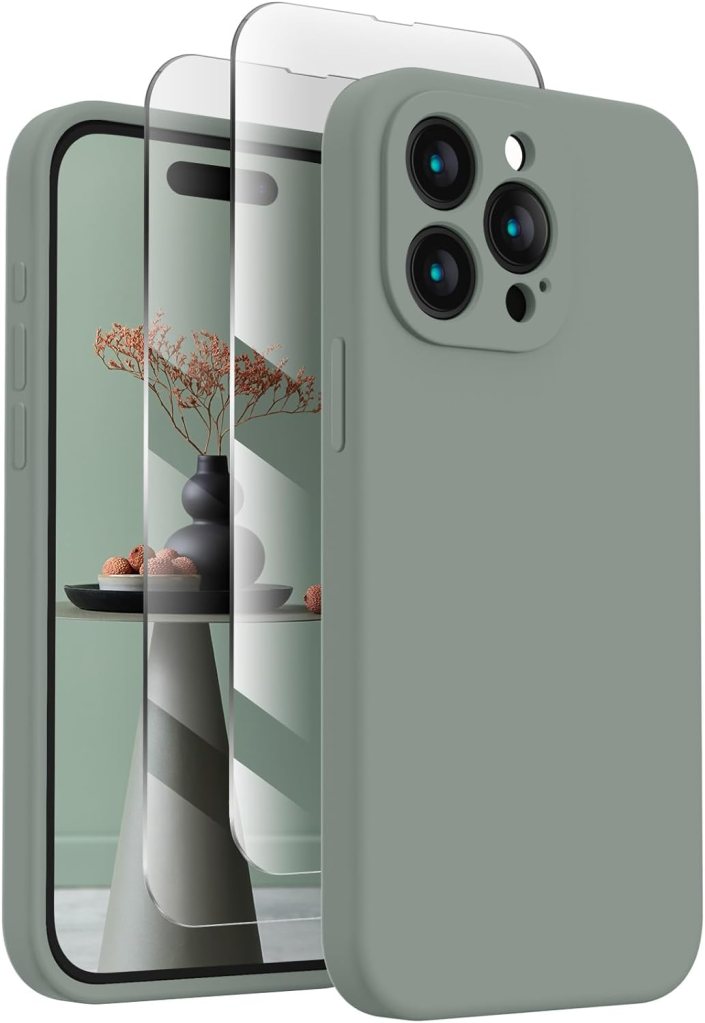
- Premium Silicone Case】for iPhone 15 Pro, Made with Premium Environmentally friendly Silicone Material, Offering Not Slippery Grip, Safe and Easy to Hold. Soft Microfiber Lining inside Will Also Keep Your Phone Scratch-free. Support Wireless Charging
- 【2 Pack Screen Protectors】Come with 2 Pack 9H Hardness 3D Round Edge Military Explosion-proof Tempered Glass Screen Protectors. Easy to Install and Bubble-free. Protects Your Screen from Scratch, Shock, and Impacts. Hydrophobic and Oleophobic Coating Protect Your Screen from Fingerprint Marks and Liquid Residue. Maintains the Original Response Sensitivity and Ultra Clarity.
- 【Camera Protection】Unique Built-in Camera Cover to Protect the Camera lens, Never Worry about the Camera being Broken and Keep Dust away from Your iPhone 15 Pro Camera. Precise Cutouts for Easy Access to All Ports, Not Interfere with Camera and Flash Using
- 【Match Camera Color】Compared with a Non-camera cover Phone Case, This Silicone Case for iPhone 15 Pro will Make Your Camera Color Look the Same as the Phone Case, More Uniform and Streamlined, Giving Your Phone a New Look
- 【Lifetime Replacement】Quality Promised. Offers Lifetime Replacement for Your iPhone 15 Pro Silicone Case.

- [3+3 Pack] This product includes 3 pack screen protectors and 3 pack camera lens protectors with Installation Frame. Works For iPhone 15 6.1 Inch display tempered glass screen protector and camera lens protector.Featuring maximum protection from scratches, scrapes, and bumps.
- Night shooting function: specially designed iPhone 15 6.1 Inch display camera lens protective film.The camera lens protector adopts the new technology of “seamless” integration of augmented reality, with light transmittance and night shooting function, without the need to design the flash hole position, when the flash is turned on at night, the original quality of photos and videos can be restored.
- It is 100% brand new,Precise laser cut tempered glass, exquisitely polished,0.33mm ultra-thin tempered glass screen protector maintains the original response sensitivity and touch, bringing you a good touch experience.
- Easiest Installation – Please watch our installation video tutorial before installation.Removing dust and aligning it properly before actual installation,no worrying about bubbles,enjoy your screen as if it wasn’t there.
- 99.99% High-definition clear hydrophobic and oleophobic screen coating protects against sweat and oil residue from fingerprints,and enhance the visibility of the screen.
 blog.easyacc.com