
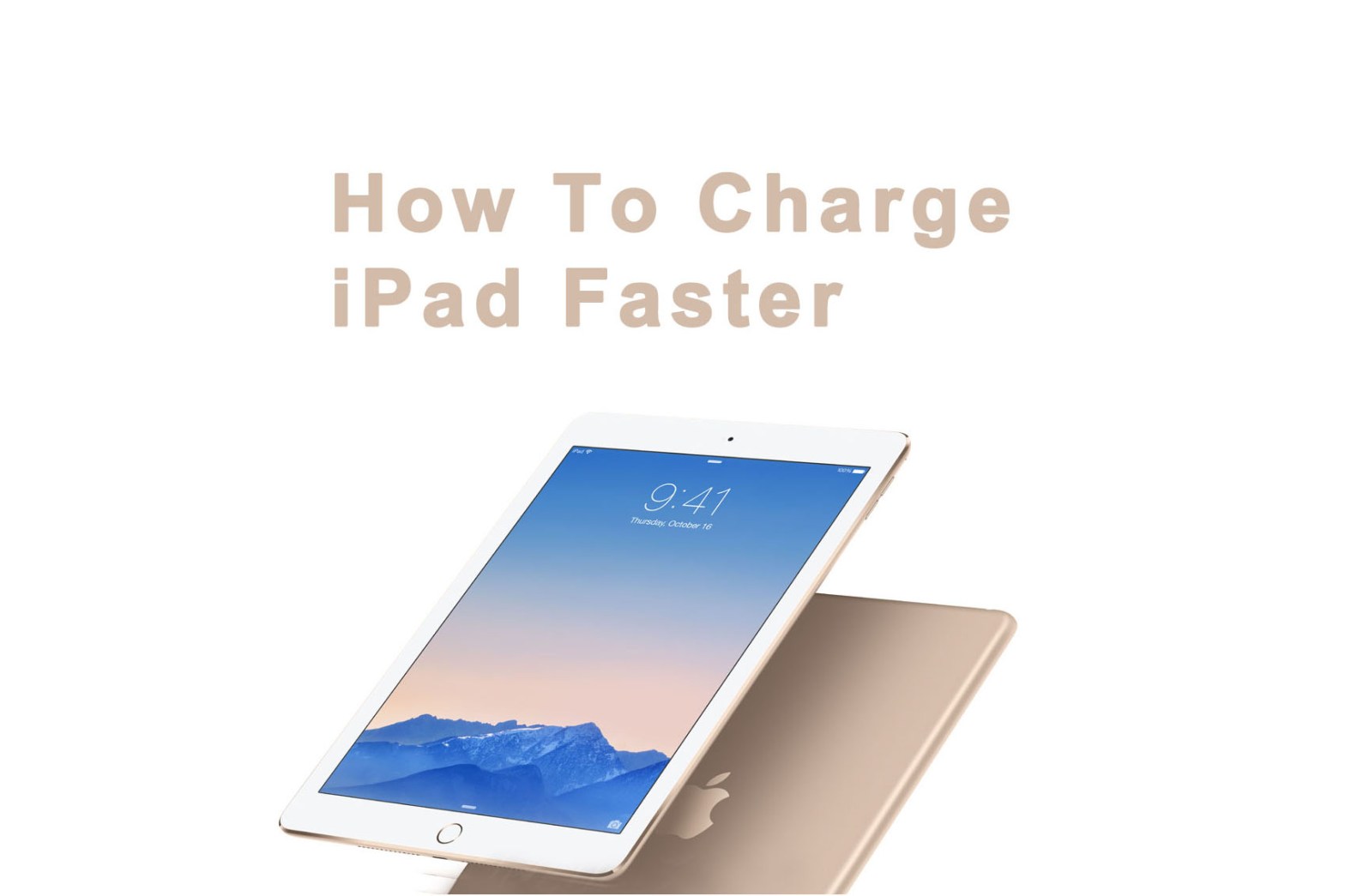
Wondering what’s the fastest way to charge iPad Air 2? Yes, it’s true — not all charging methods were created equal. Stick with us after the break to find out more!
We tested four ways to charge a dead iPad Air 2 from 0% to 80%. Now we made a summary below:

Certainly the less charging time, the better.
The iPad air 2 uses a lithium-polymer battery, which is also used in the iPhone, the Pod touch, and even Apple’s MacBook line of laptops. In the iPad air 2’s case, the 25 watt hour lithium-polymer battery fills up most of the space inside, which is why it can last for 10 hours of surfing, listening to music or watching videos… provided it’s charged. Here’s how to get it that way as fast as possible.
10W USB iPad Power Adapter
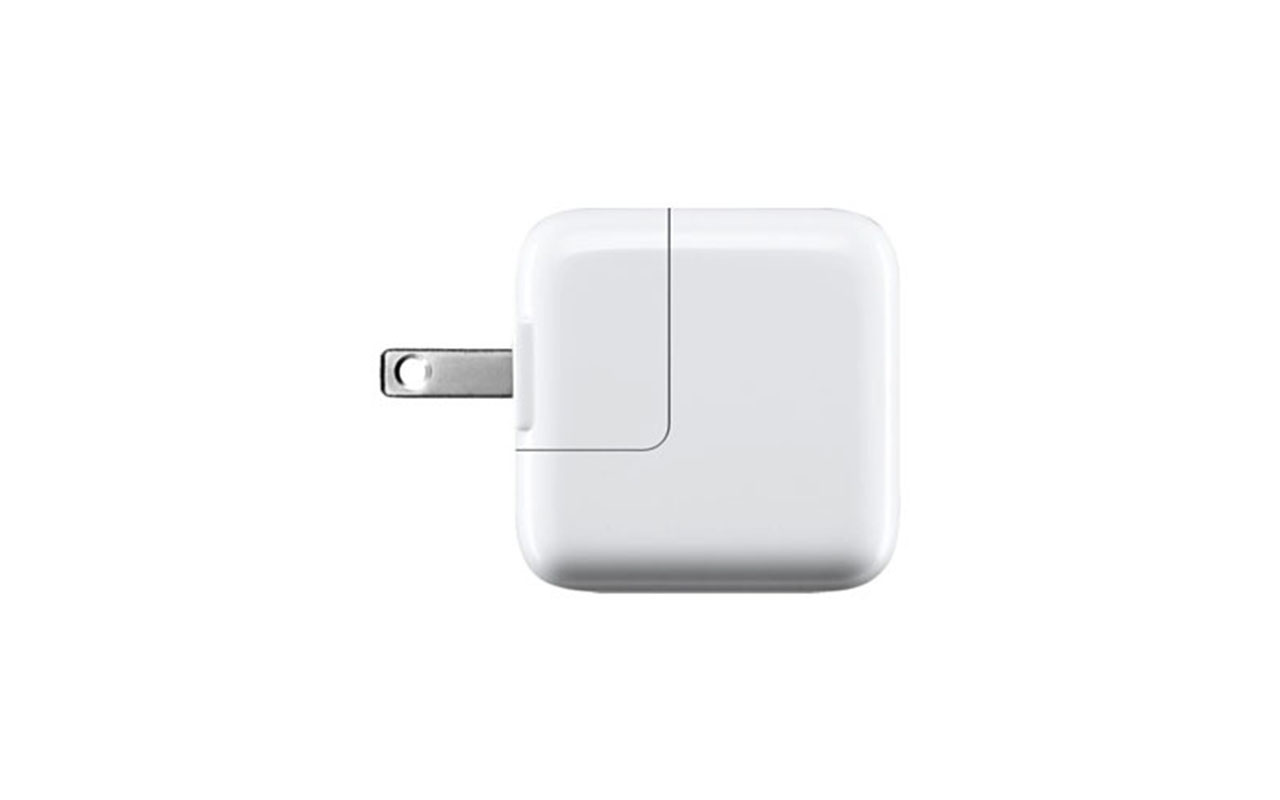
Just plug your 30-pin Dock cable into your iPad, plug the USB connector into the adapter, and plug the adapter into a wall socket.
As we tested, it takes 3.18 hours to charge your iPad from 0% to 80%.
But it’s the normal way to charge your iPad. An iPad adapter 5.1V 2.1A can theoretically deliver 2.1A for you iPad.
USB Port
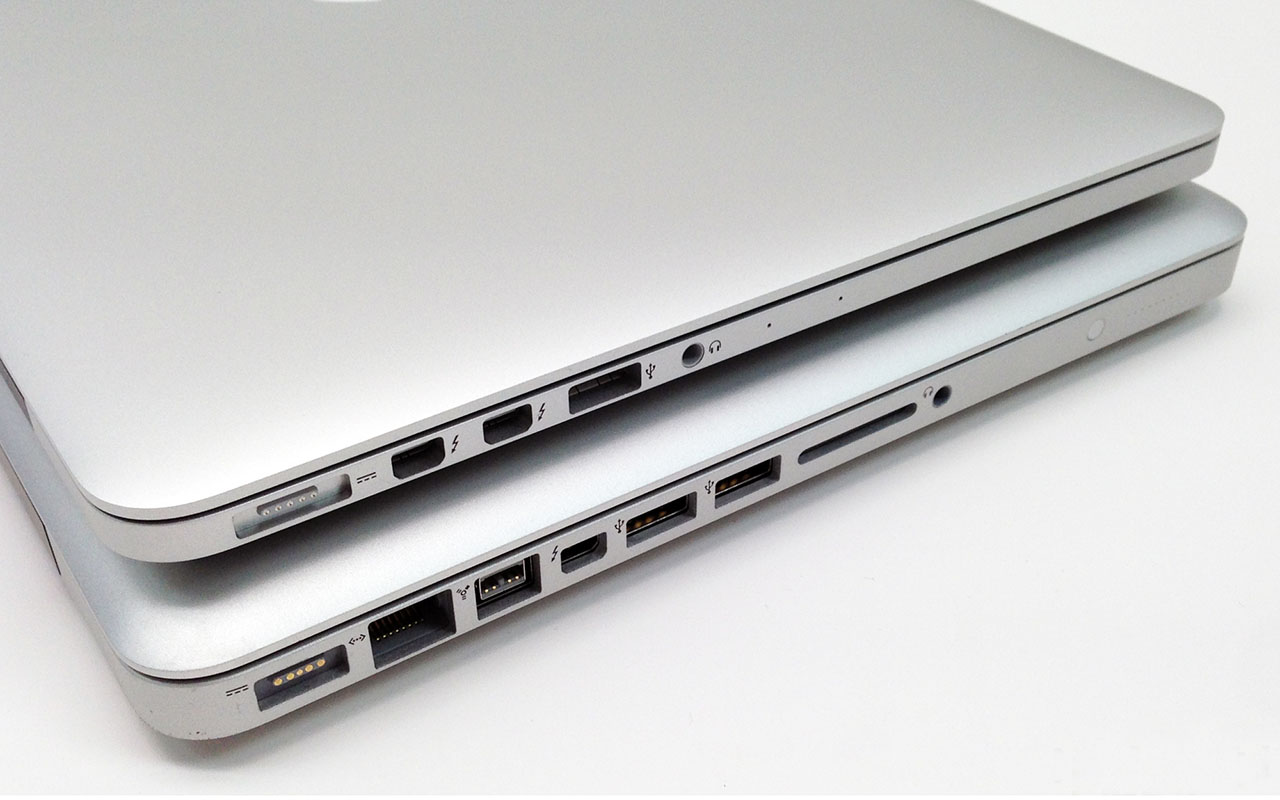
Because iPad Air 2 needs a lot of power, it will only trickle-charge in a standard USB port (i.e. charge very slowly). Sometimes one port might be better than another, for example many laptops have some USB ports that are independently powered and others that share power. Try different ports until you find the one that works best.
Car Charger
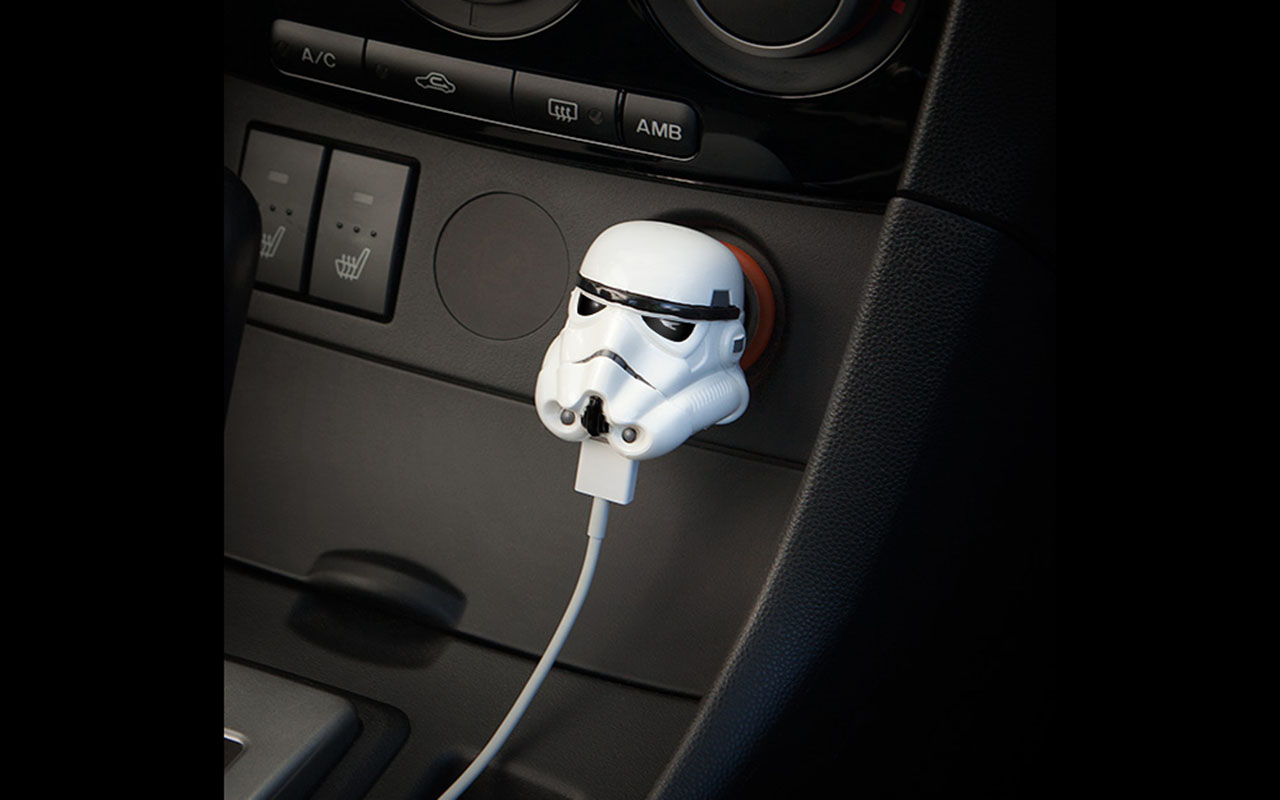
If you have a standard car port/cigarette lighter port, you’ll need a car adapter. Not all car adapters support iPad so make sure you get one that states it works with iPad Air 2.
Power Bank
If you travel a lot you might want to invest in a power bank. For example, the EasyAcc Power Bank 10000CF can theoretically deliver 2.4A for your devices, which is more than a standard iPad charger.
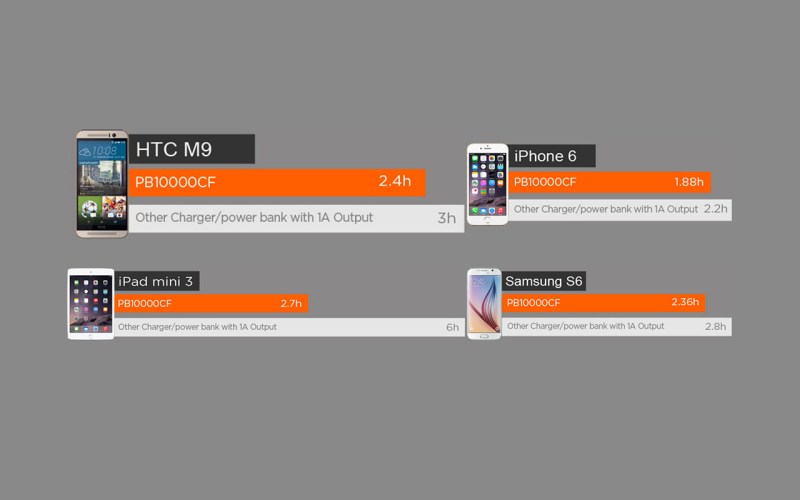
More power bank just like the EasyAcc Monter 20000mAh power bank with the Smart Technology can automatically identify the type of device and output the suitable electric current for your device. So the charging performance of our power bank can do better job than the original power adapter.
Use Airplane Mode
More iPad charging Tips & Tricks for also for all electronic devices:
You can charge an iPad slightly faster by switching on Airplane Mode – but we do mean slightly.
This is because it turns off 4G and Wi-Fi and uses less power while charging. Open Control Centre and tap the plane-shaped icon when charging. So it is the same situation to charge phone faster.

Cycle the battery monthly
To give your iPad air 2 battery the longest life possible you want to make sure you completely cycle it once a month. That means charging it to 100%, draining it down to 0 (until it automatically shuts off), and then charging it all the way to 100% again.
Tips for you to cycle the battery:
How To Power Down Your IPad Completely
>>>Need some battery saving tips for the long haul? Check out : How To Charge iPad Pro Faster.
Hopefully this helps you keep your iPad charged. If you have any other tips on battery charging, let us know!
 blog.easyacc.com
very interesting
赞赞
i always use airplane mode, thanks for the tips 🙂
赞赞
All good tips for the people out there that own an iPad.
赞赞
Perhaps one day I will own an iPad and be able to use this info.
赞赞
keep these tips coming , for android devices also.
赞赞
Nice Info
赞赞
Good article
赞赞
what iPad to have?
赞赞
Interesting indeed.
赞赞
Thanks for the tips!
赞赞
Good advice
赞赞
Thank you for the tip. It does seem to take forever to charge my iPad mini to 100%. It’s irritating….
赞赞
i loved that car charger, thanks for the info 🙂
赞赞
Awesome!
赞赞
Do nor hace a Ipad, but Samsung works just the same.
赞赞
Airplane mode, hadn’t thought of that.
赞赞
quality counts with trying to find stuff to use with Apple systems look carefully at the charging rate and calculate the correct for your device
赞赞
interesting
赞赞
Thanks a lot for the tips!
赞赞
Really useful article for everyone that has an iPad =)
赞赞
It will be for the day that I’ll have one 😀
赞赞
Thanks for this info.
赞赞
Cycle the battery monthly – this is suitable not only for iPad’s? How about other tablets?
赞赞
Wow, didn’t know about cycling. Will have to try with my phone.
赞赞
Nice tips
赞赞
GOOD INFO
赞赞
cool
赞赞
Nice information. More charging is always better if it is faster IMHO.
赞赞
Very useful information, thank you.
赞赞
Thank you
赞赞
cool. car stormtrooper rocks
赞赞
great tips on charging!
赞赞
great info, thanks
赞赞
Fabulous
赞赞
I knew a power bank would charge it faster! Proof is here! Makes perfect sense!
赞赞
Hey Diana, yes, using a power bank can charger your iPad faster than a standard charger.
So glad if it could help you.
赞赞
Thanks for the tips!
赞赞
Good advice!
赞赞