

Spam is everywhere. These annoying texts from spammers or unknown numbers can fill up your inbox with spam emails containing suspicious links. Spam is inevitable, even if you have an advanced smartphone. It’s annoying to delete unwanted or unsolicited texts to clear your inbox, but there are ways to stop spam for good.

So how to prevent spam in a simple way? The following will reveal it to you.
If you see a suspicious message, please do not reply. Replying to a spam email confirms that the number is indeed a real mobile phone number, which the spammer can use to send more spam texts in the future. Let’s see how to stop these spam emails from reaching your phone number.
1.Open the Google Messages app and click the three dots in the upper right corner.
2.Next, click Settings, then click the “Spam Protection” option.
3.Click the Enable Spam Protection button to turn it on.

Say a particular number is bothering you with suspicious texts – you can add that number to a blacklist or blocklist. This method is also the best way to stop spam on phones that don’t run on stock Android and don’t come with Google Messages pre-installed. Here’s how to block spam from specific numbers.
1.Open the Google Messages app and copy the number you want to block.
2.Go to the app’s main menu and tap the three dots in the upper right corner.
3.Click the “Spam and Blocking” button, then press the three dots button.
4.Tap on Blocked Contacts and find the “Add Number” option.
5.Paste the number you copied earlier here and click the “Block” button.

In most cases, spam will include a link in the message. Do not open or copy this link as it may put your phone and details at risk. You can also report spammers to prevent them from sending you further spam.
- Open Junk, then tap and hold the text.
- Click on the three dots option in the upper right corner, then click on the “Block” button.
- You will see a “Block and report spam” popup, then click the “Report as spam” box and click the OK button.
Users who don’t have Google Mail installed can report spammers by forwarding spam text messages or copying the number and emailing 7762, which is available for AT&T, Verizon Wireless and T-Mobile carriers.
That’s it! This might not completely stop scam emails from coming in, but it will stop filling your inbox with spam.
Recommendation:
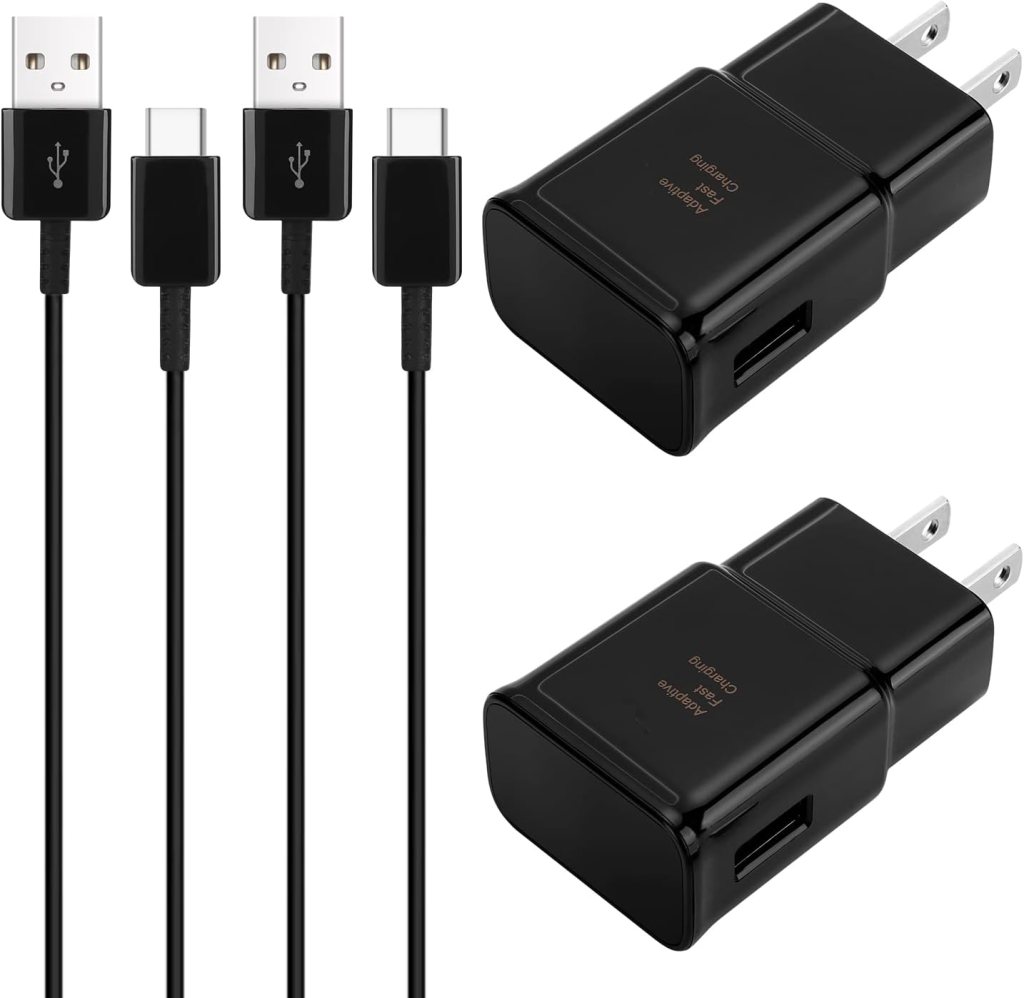
- Type C Charger Fast Charging:Compatible Samsung Galaxy S23 S21 S21+ S21Ultra S10 S9 S8 S22 S22Ultra S22+ S20 S20 Plus S20 Ultra Z Filp 3 Fold 3 Note20 Note10 S10+ S9+ S8+ Note 8 Note 9,LG G5 G6 G7 V20 V30 ThinQ Plus and other usb type c cable devices support AFC (Adaptive Fast Charging)
- Samsung Charger Fast Charging Safe:Intelligent circuit design protects against short circuiting, over-heating, over-current, and over-charging. Charging stops when battery is full
- Quick Charge 3.0 Android Charger cord : Adaptive fast charger charges up to 50% battery level in 30 minutes, 75% faster than standard chargers
- Long Fast Charger TYPE-C Charging Cable: Fast Charger Kit charges Samsung phones and tablets with Type C ports at max speed. Offers SuperSpeed transfer of 480 Mbps designed for charging and syncing smartphones, tablets
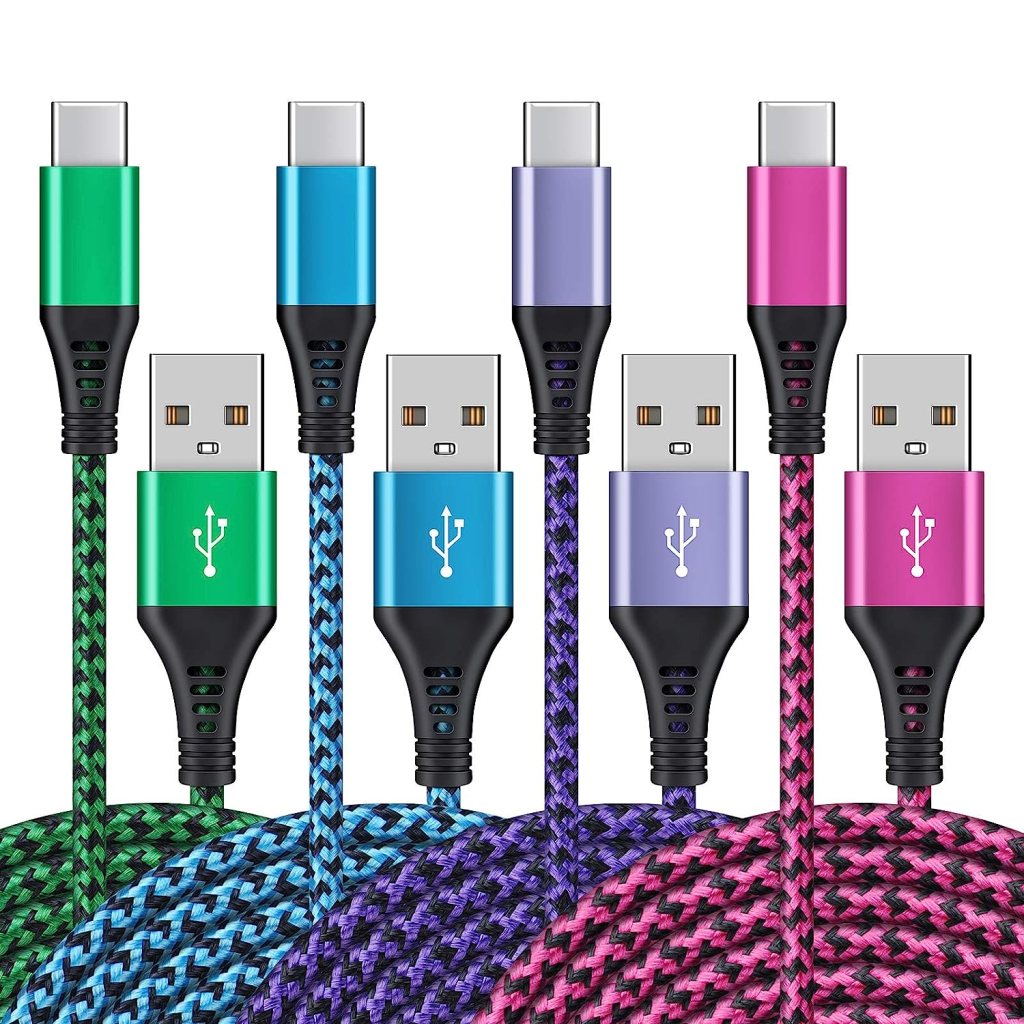
- WIDELY COMPATIBILITY – USB C port charger powerline work for Samsung Galaxy S23 Ultra|S23+|S23 S22 Ultra|S22+|S22 5G S21+ Plus|S21 Ultra 5G S20 FE|S20+ S10 Plus S10+ S10e S9 S9+ S8; Galaxy Note20 Ultra 5G Note 10+ 5G Note10 Plus Note9 Note8; Galaxy A04S A03S A02S A42 A32 A22 5G A10e A11 A12 A13 A53 A20 A50 A50s A51 A51 A71 A72; Galaxy Z Fold 3 Z Flip 3 5G, Galaxy Xcover Tab S8 S8+; Google Pixel 7 Pro 7 6 Pro 6 5a 5 4a xl 3, New Fire HD 10 Gen Moto X G Z Play G7 Power, Oneplus, ZTE, Droid C Type.
- 【PLEASE NOTE】 – This is a USB-A to USB-C port cable, which means you can charge your type C port phones or tablets. But not fit for iPhone or android micro port phones. [Please make sure this is not a USB-C to USB-C/ LIGHTNING Charger.]
- QUICK CHARGE – 【Upgraded】 premium technology provides faster charging speeds up to 3A and data transfer speeds up to 480Mbps as original usb 2.0&3.0 type c charging cables.
- CONVENIENT USB C – These long cords allow you to adjust the cable 6ft length for any situation. easy to get the back seat in the car, charging far from the bed or sofa. 4-pack cables offer you more convenience on traveling, in the office, in car, power bank, several cell phones, share with families.
 blog.easyacc.com