
The Amazon Kindle advertises 30 hours or more of battery life per charge. You can charge the Kindle with a computer. If your Kindle gets down to critical battery levels, you may need to reboot it completely with a computer.
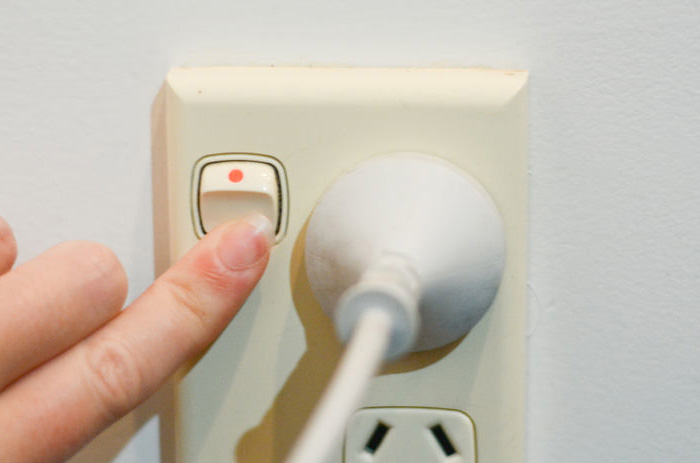
1.Plug your computer or laptop into an outlet. It should be connected to power to ensure it will have enough battery to charge the Kindle.
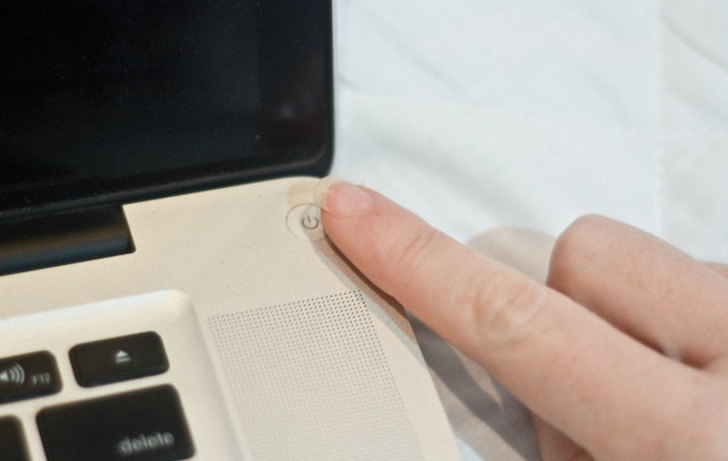
2.Turn your computer on. You will need to leave the computer on and avoid stand-by or hibernation mode during the charging process.

3.Find the micro USB cable that came with your Kindle. If your Kindle came with a power adaptor, you can unplug the micro USB from the adaptor and plug the USB port into your computer.
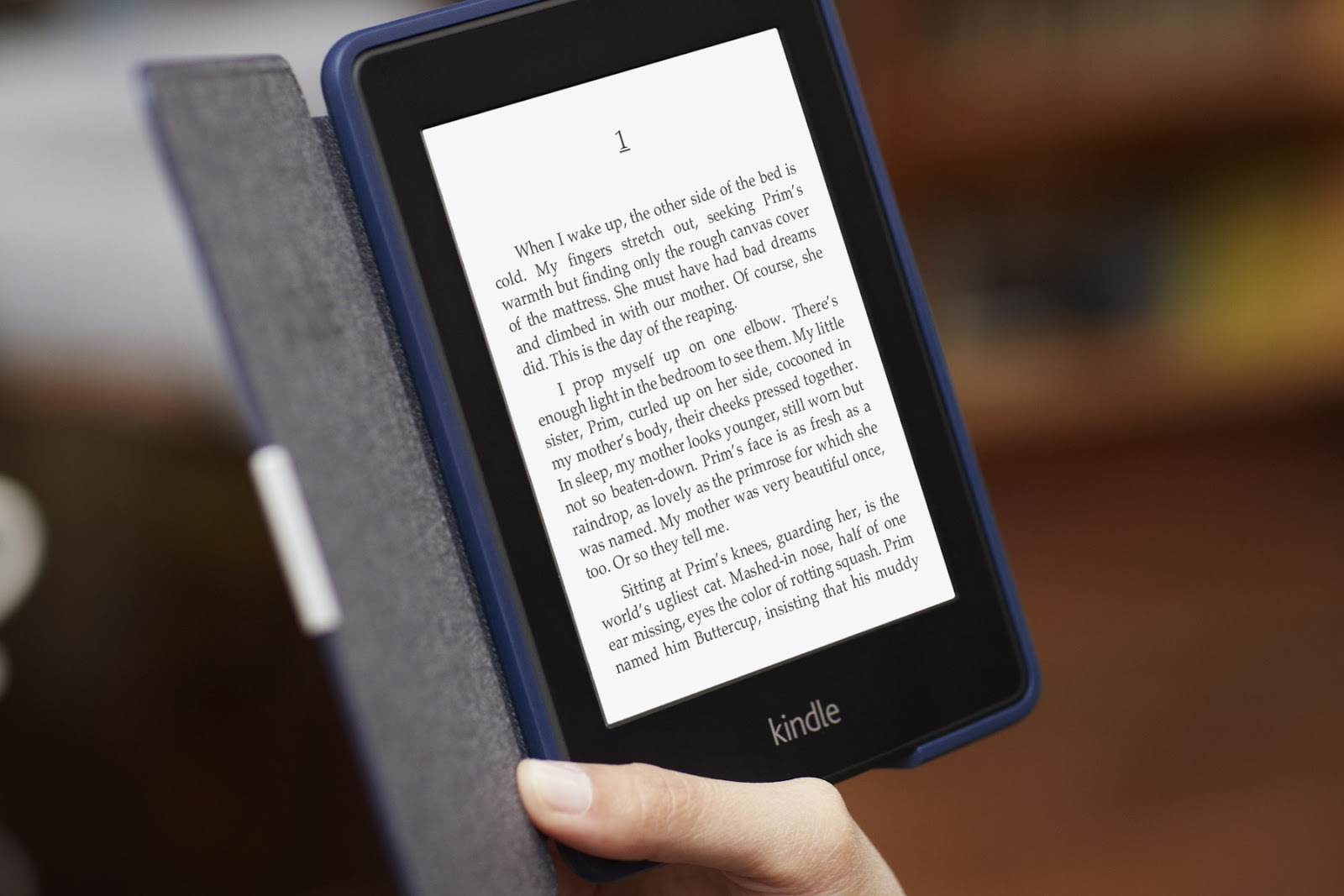
4.Charge your Kindle when it has 25 percent battery left. A Kindle that loses all of its battery charge may not respond to charging right away. If it flashes a message that says “critical battery,” you will need to move on to method 3.

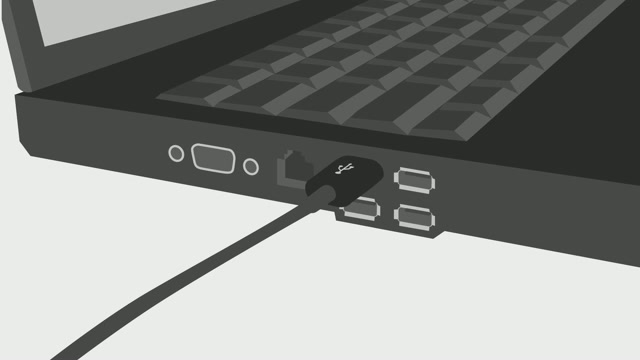
5.Plug the small end of the micro USB cable into the bottom of your Kindle. Plug in the opposite USB cable into your computer’s USB port.
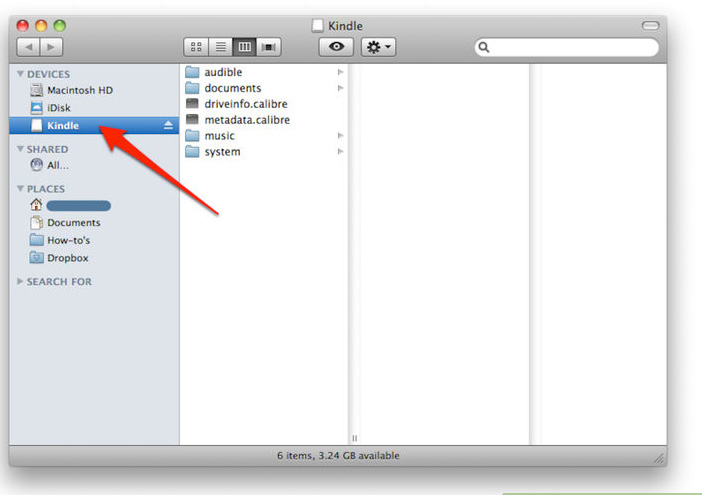
6.Wait several seconds for your computer to recognize the device. Many computers have a pop up box that alerts the user of new devices.

7.Decide if you want to use your Kindle while you are charging it. If not, you can leave it for 3 hours without doing anything further, as long as your computer stays on.
After it is charged, and the light at the bottom flashes green, you will need to follow the instructions below to eject your device safely.

8.Look for the message “If you want to read or shop on your Kindle while continuing to charge over USB, please keep the USB cable attached, but eject your Kindle from your computer.” You must eject the device to use it while charging.
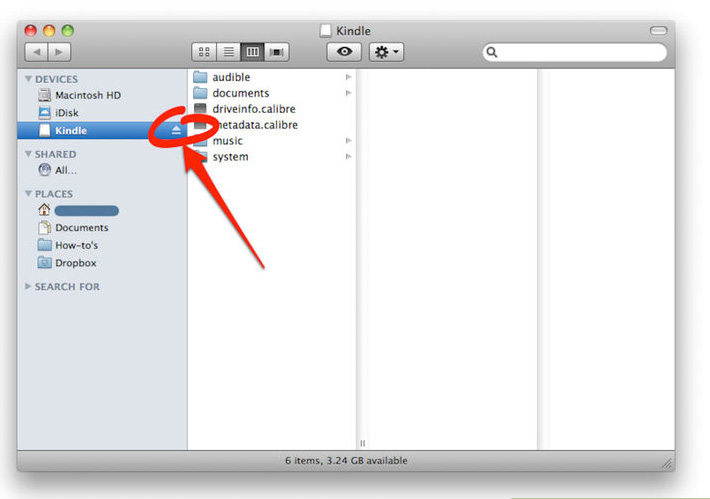
9.Click the “Eject” option in the pop-up box that informed you of the new device. If you did not see a pop up box, find the device and eject it.
If you are using a Windows computer, click on “My Computer” and find the Kindle in the list of connected devices. Right click on the device and select “Eject.”
If you are using a Mac computer, you should open a new Finder window. Look for the Kindle under the “Devices” column on the left. Click the eject symbol to the right of the device name.

10.Keep the Kindle connected via the power cord, even though you ejected it. Although it is not portable, you should have full access to the Kindle while it charges.
11.Unplug it after 3 hours. You will not need to eject it again before you unplug it.
 blog.easyacc.com
Thank you for the very easy to follow instructions re charging my kindle
赞赞